AdsToSlide
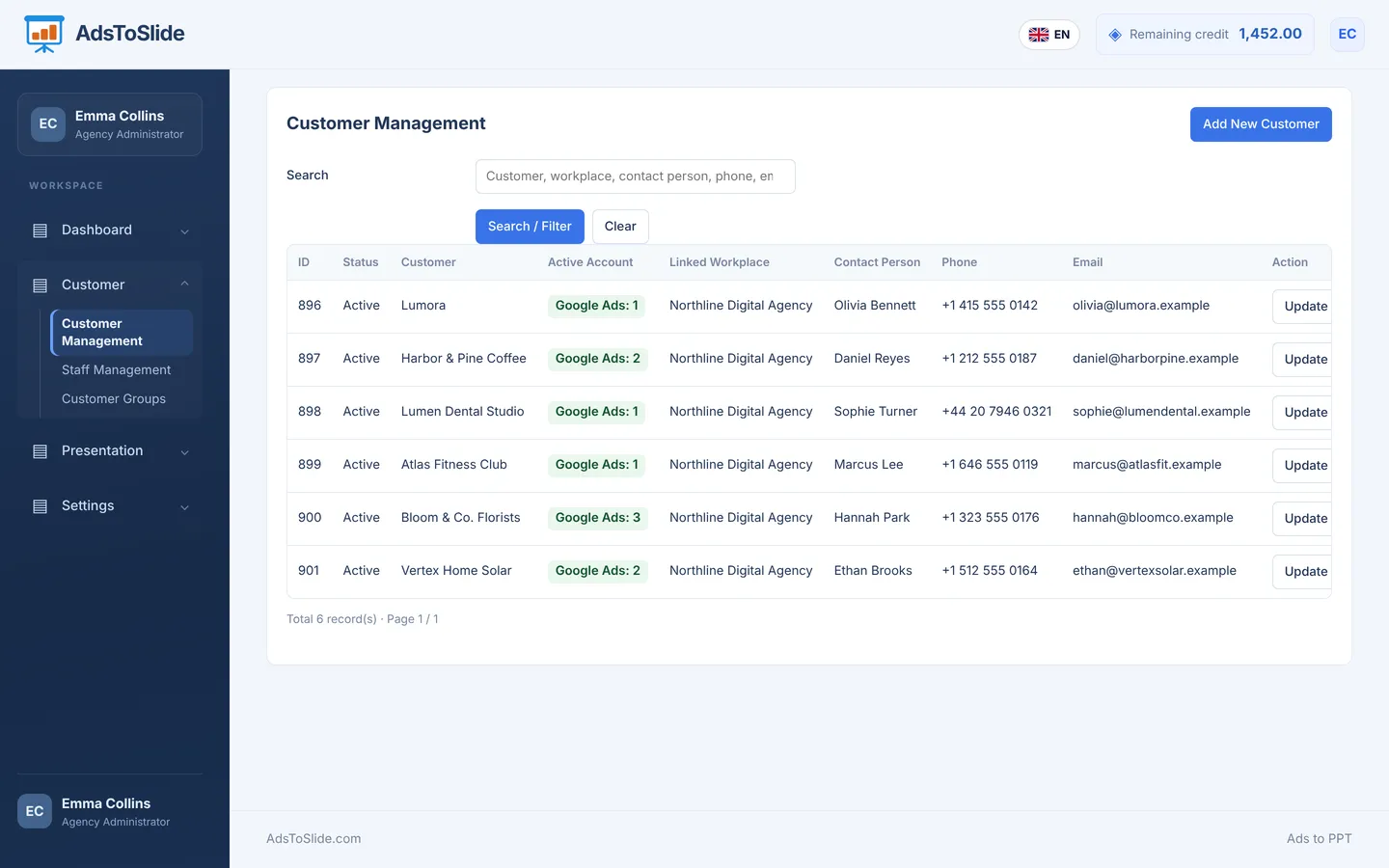
Add the client
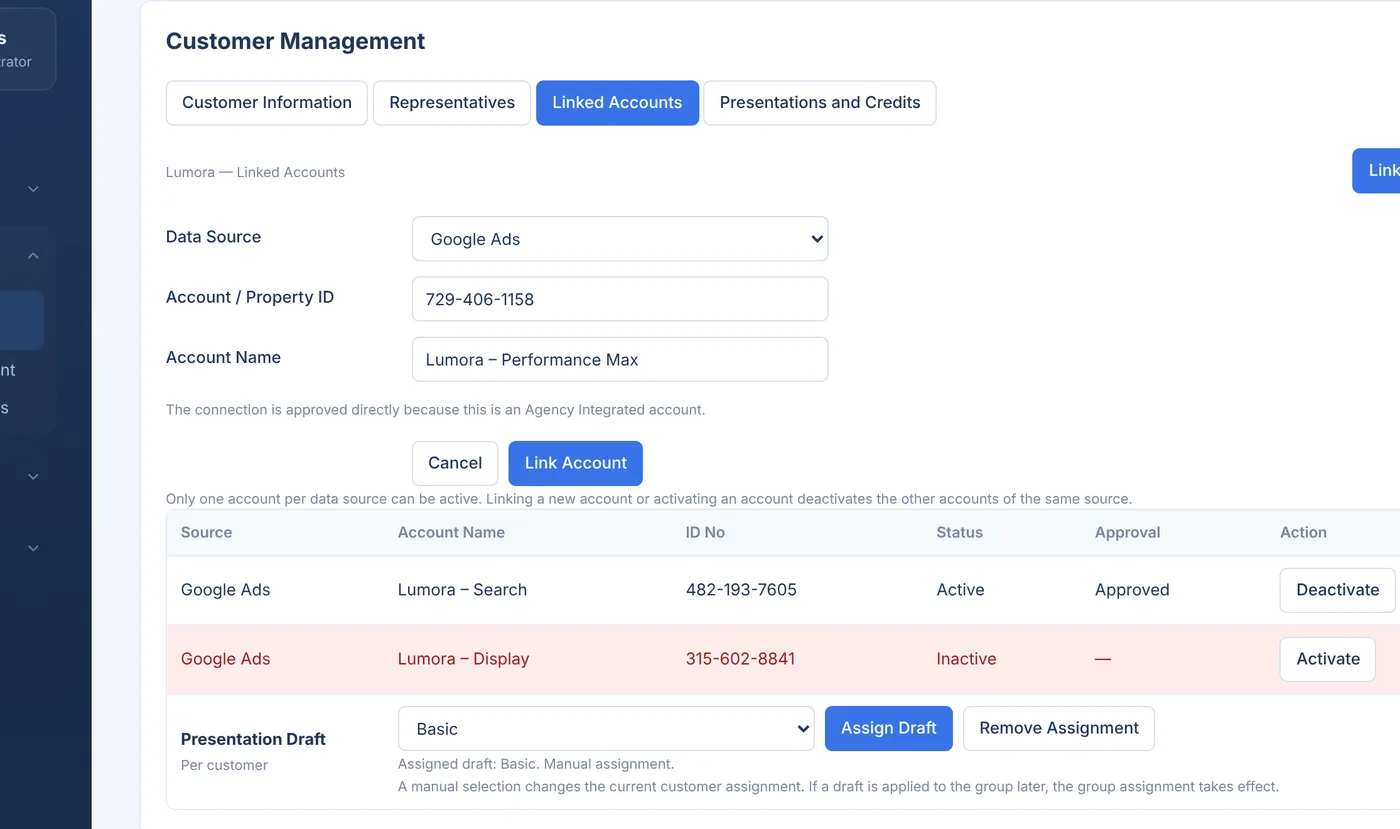
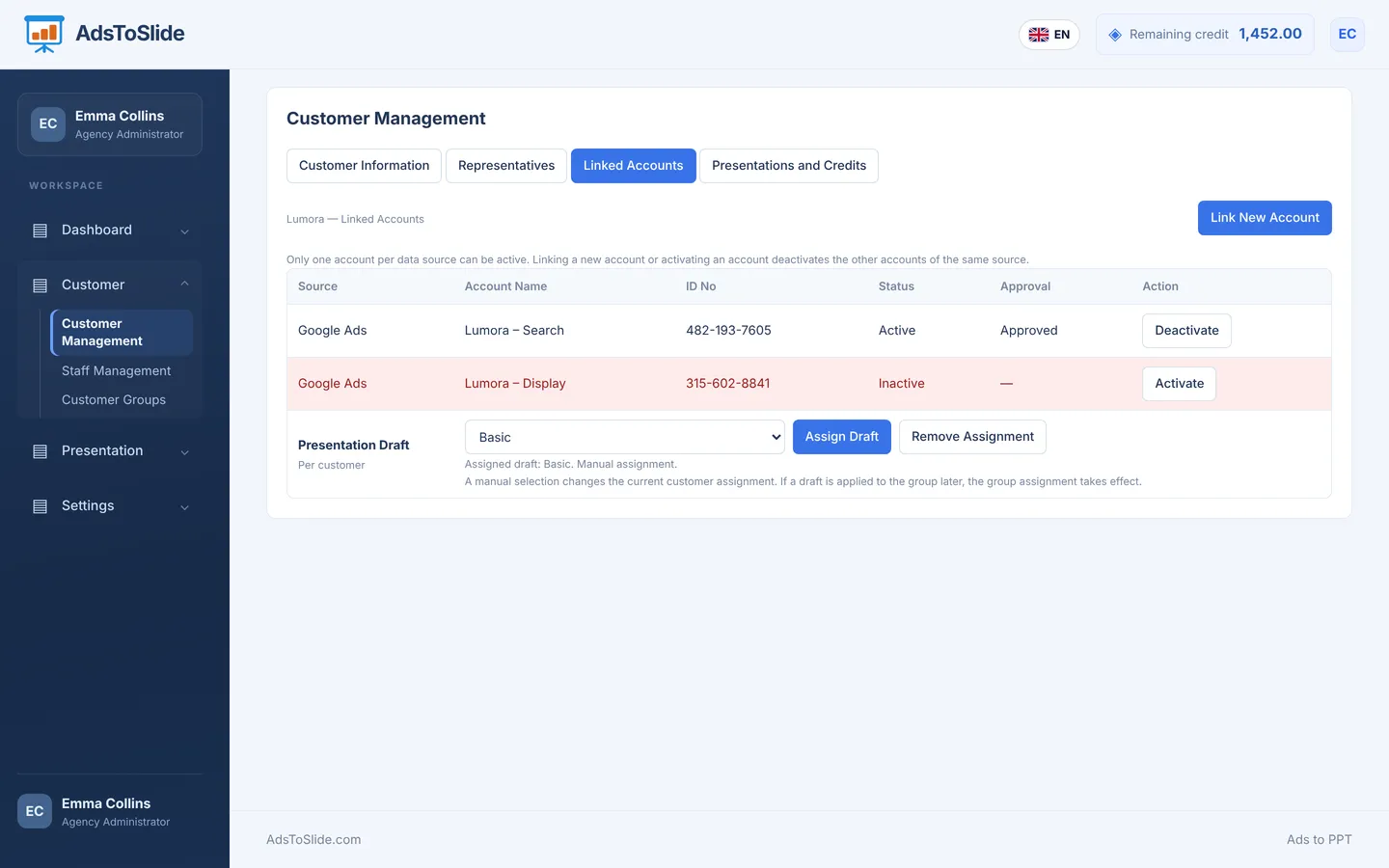
Create the client record, upload the logo and connect their Google Ads account with the account ID.
Connect your advertising account, choose your client and period, and automatically prepare client presentations that fit your brand.
Built for Google Ads • Editable .pptx • Agencies and independent specialists
Client and agency names are fictional; report figures are anonymized.
Create your account in seconds, connect Google Ads and test your first PowerPoint report right away.
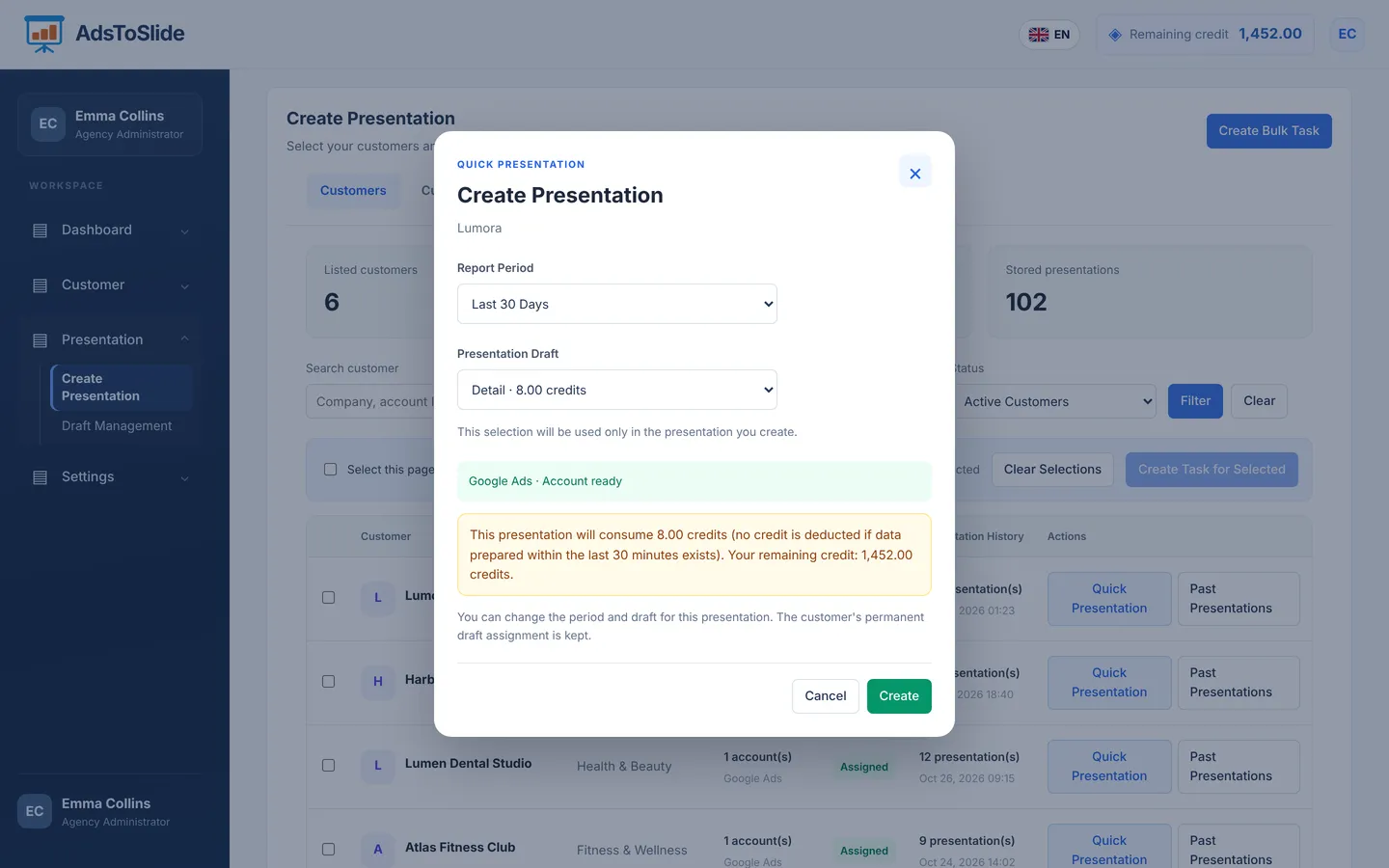
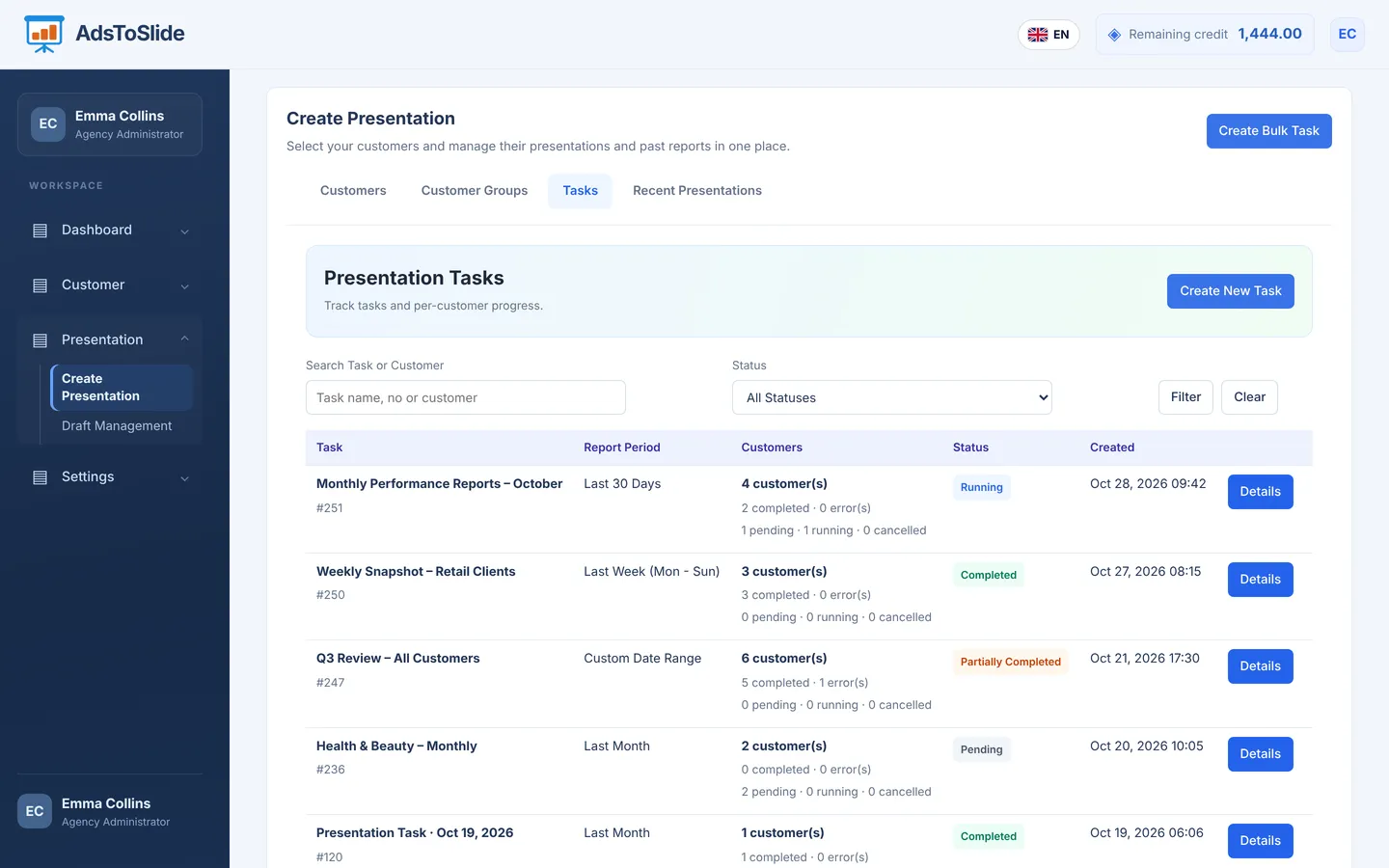
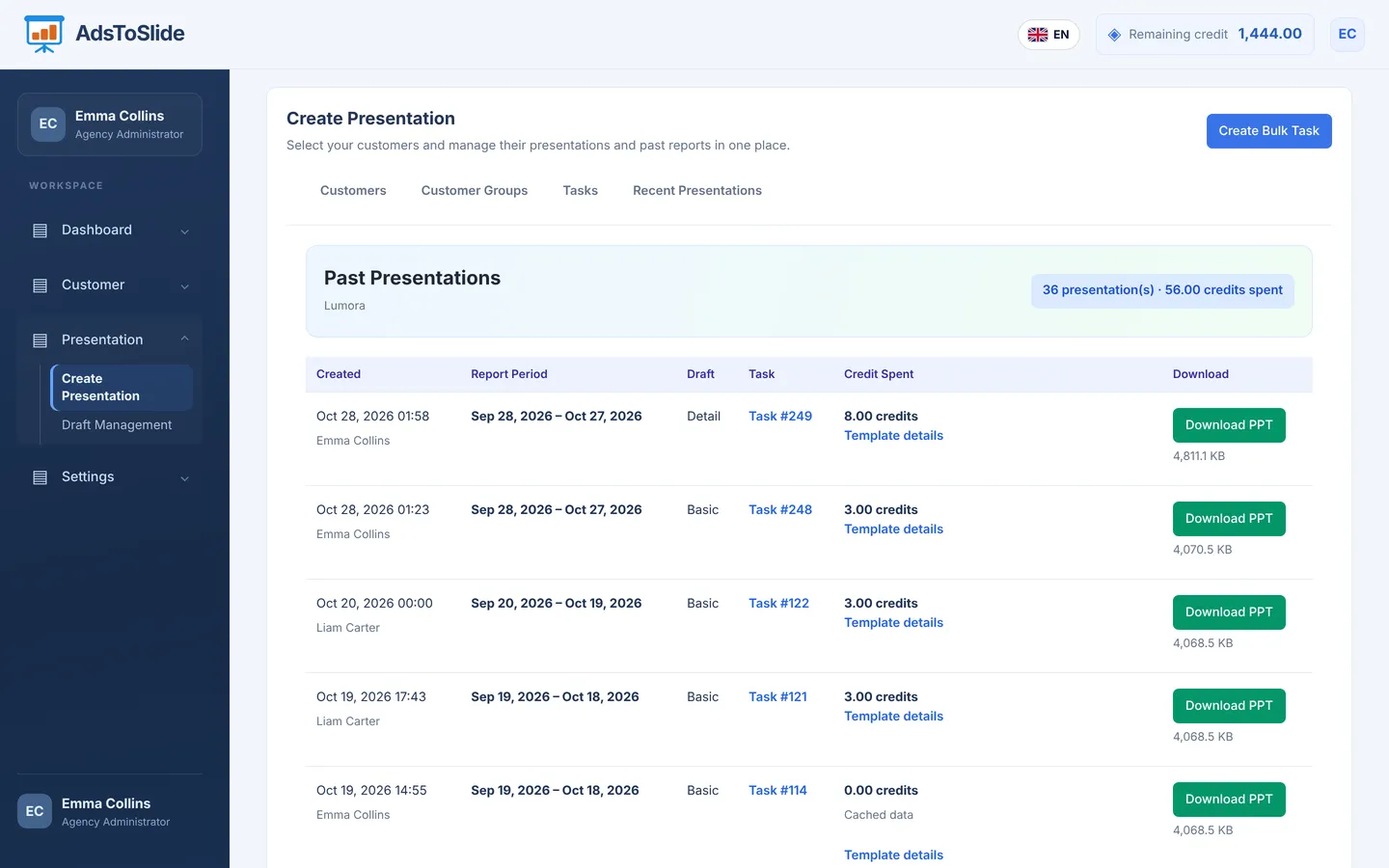
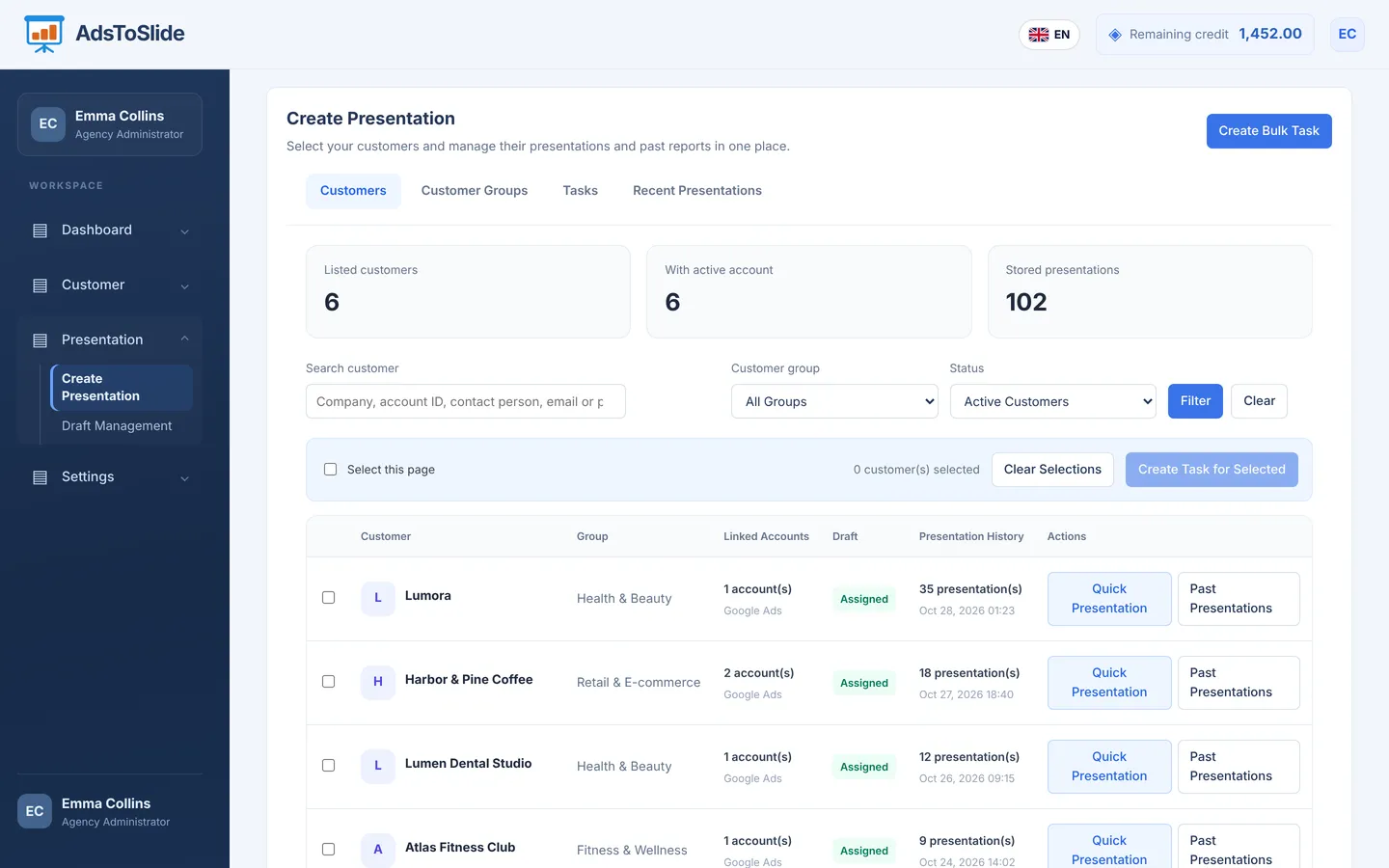
These are real screens from the AdsToSlide dashboard — only the client names are fictional.
Logo, contacts, country, time zone and report language are stored per client, so each report comes out right the first time.
Paste the Google Ads account ID. Agency-integrated accounts are approved instantly; one active account per data source keeps reports clean.
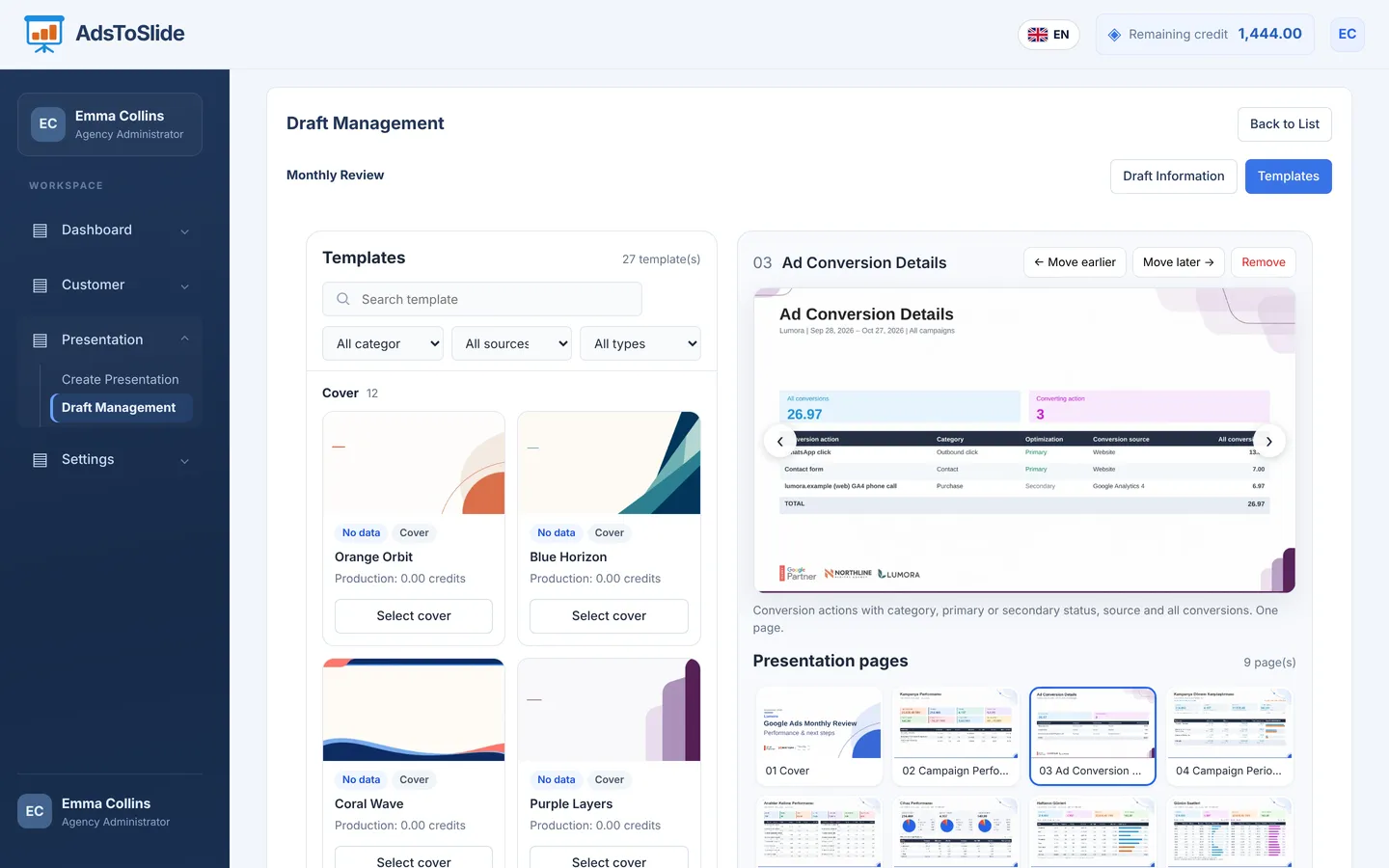
Pick one of 12 cover designs, add the pages you need from the template library and set their order. Save it once and reuse it for every client.
Pick a period such as Last 30 days, choose a draft and see the credit cost before you press Create.
Select several clients or a whole group, set a draft per client and follow each presentation's progress in the task list.
Each presentation is saved with its period, draft, task number and credits spent — download it again whenever you need it.


Bring advertising and analytics data into focus for your client presentations.
You do not need to rebuild the same report for every client.
Create the client record, upload the logo and connect their Google Ads account with the account ID.
Choose Last 30 days, last month or a custom range and select the Basic, Standard or Detail draft.
The presentation is ready in under a minute. Add your commentary in PowerPoint and walk into the meeting.
Clients, Google Ads accounts, drafts, bulk tasks and history in one dashboard — built so month-end reporting takes minutes, not days.
Each presentation is a branded .pptx with cover, campaign, keyword, device, location, demographic and conversion slides.
Detail, Standard and Basic drafts, or your own slide order — assigned per client or per client group.
Your agency logo and the client's logo appear on every slide, with the reporting period on the cover.
Selected period vs. the previous one, with changes in impressions, clicks, spend and conversions.
Administrator and staff roles, with representatives assigned to each client.
See the cost before you create. Cached regenerations and slides without data are free.
Set a shared reporting standard instead of rebuilding the format every month. Leave more room for interpreting the data and discussing next steps.
Create the client record, upload the logo and link the Google Ads account so every report comes out right the first time.
Read the guideCreate a draft, pick one of 12 covers, add the pages you need from the template library and set the order — then use it for any client.
Read the guidePick the period and draft, check the credit cost and download a branded .pptx — usually in well under a minute.
Read the guide